FIBO 1.5 / THIRD-PARTY INTERFACE
Build images with structured intent.
Turn a visual brief into a finished image with FIBO 1.5. Start with a natural prompt or a structured JSON brief, then refine the frame, style, and reference.
Independent interface. Not affiliated with or endorsed by Bria.
Generate with FIBO 1.5
PROMPT DIRECTIONS
Start from a visual idea, not a blank field.
These curated images demonstrate the range of briefs supported by the interface. They are placeholders, not claimed FIBO generations.

Geometric glass
A modular glass sculpture with clean studio light and precise color blocks.
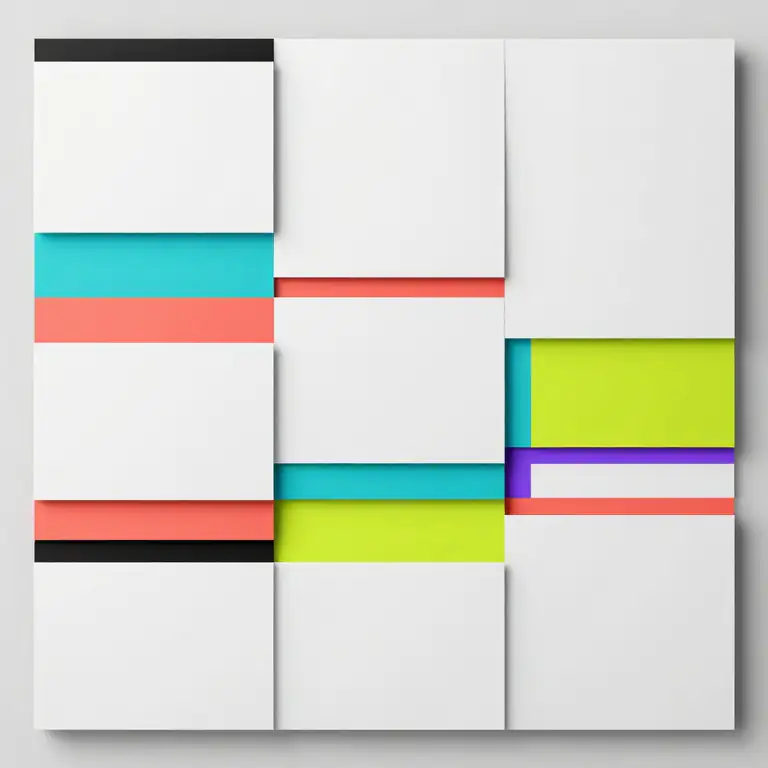
Editorial grid
A minimal paper relief with Swiss structure and fluorescent inserts.

Studio portrait
A calm editorial portrait with translucent panels and neutral styling.
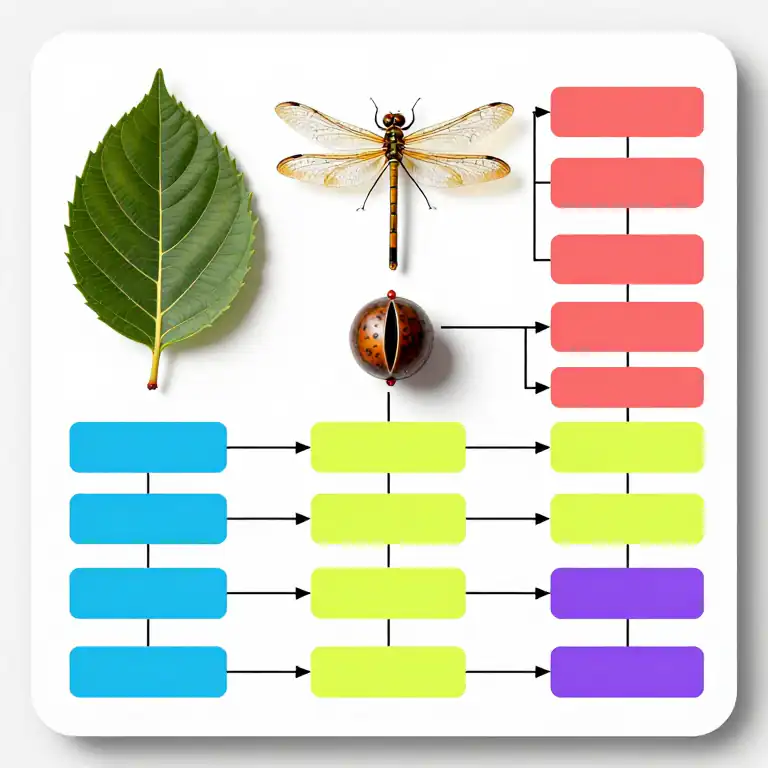
Visual diagram
A biological study arranged as a clean process diagram with vivid blocks.
STRUCTURED CONTROL
Use JSON when every detail needs a place.
FIBO is designed around structured visual intent. JSON prompts make subjects, composition, materials, lighting, and exclusions easier to inspect and revise.
- 01Separate the subject from the scene.
- 02Make composition and camera choices explicit.
- 03Keep constraints readable instead of hiding them in one paragraph.
{
  "subject": "a modular glass sculpture",
  "scene": "minimal charcoal studio",
  "composition": "centered, three-quarter view",
  "materials": ["clear glass", "matte ceramic"],
  "lighting": "large softbox from camera left",
  "palette": ["white", "cyan", "signal red"],
  "constraints": ["no text", "no logo", "clean edges"]
}
A PRACTICAL DISTINCTION
FIBO and Flux solve the prompt differently.
FIBO 1.5
Structured visual briefs
FIBO emphasizes compositional control through structured prompting and few-step generation. It is useful when a creative brief has several explicit parts.
FLUX FAMILY
Broad prompt-first workflows
Flux models are widely used across general text-to-image workflows and ecosystems. The best choice depends on the provider, model variant, and task.
This is a workflow-level summary, not a benchmark or quality claim.
FAQ
Before you generate
FIBO is a text-to-image model family developed by Bria. It is designed for structured, instruction-rich visual generation. Fibo Generate is a separate third-party interface, not Bria's official website.